


 Back
Back5G vs 4G: What is 5G and How It Works in Singapore
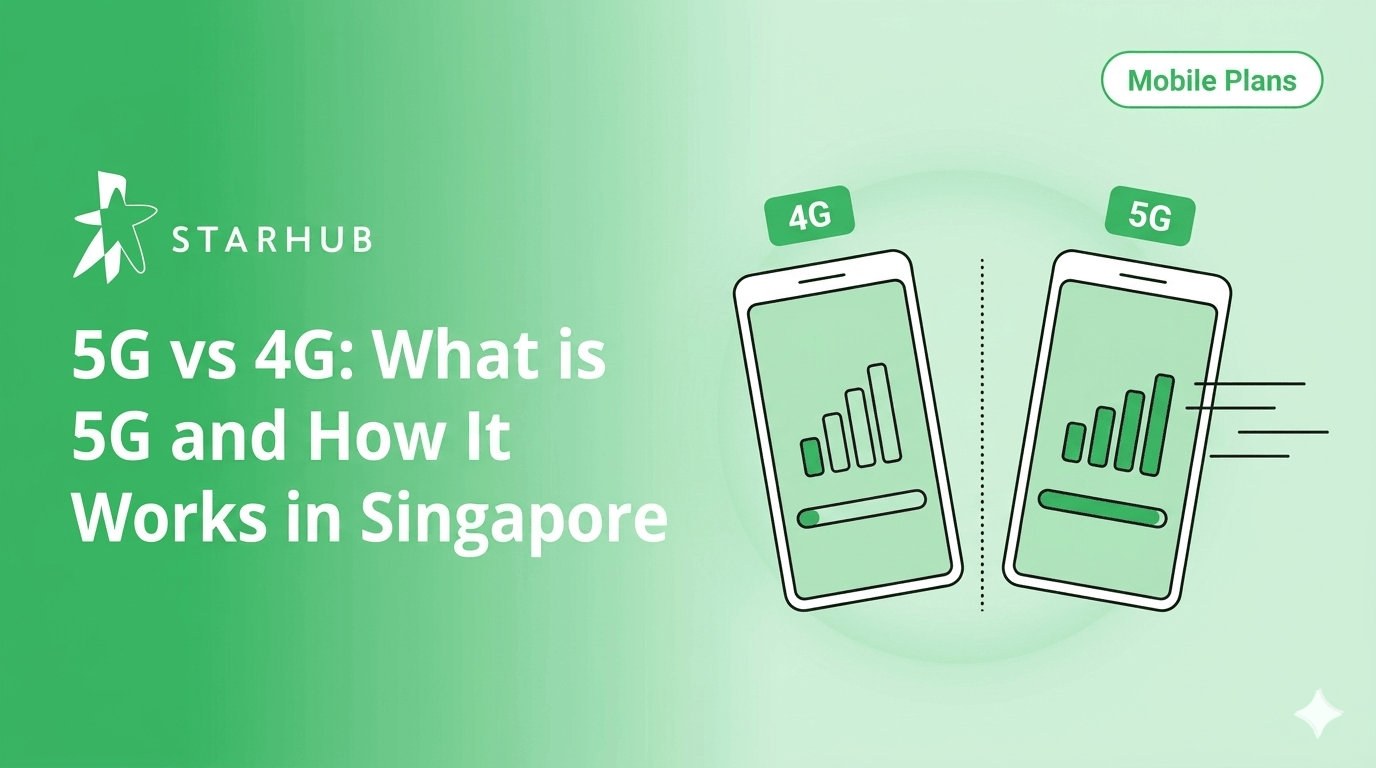
5G is the fastest mobile network generation available in Singapore, delivering speeds up to 10x faster than 4G. Learn how 5G works, compare 4G vs 5G speed, find out about battery life, and see how to enable 5G on your phone.
In This Guide
- What is 5G and how does 5G technology work?
- How fast is 5G compared to 4G in Singapore?
- What is a 5G Standalone network?
- Who benefits most from 5G in Singapore?
- Does 5G use more battery?
- How to turn on 5G on iPhone?
- How to turn on 5G on Android?
- How to get on StarHub's 5G network?
What is 5G?
5G is the fifth generation of mobile network technology, designed to deliver ultra-fast speeds, near-instant responsiveness, and the capacity to connect a massive number of devices simultaneously without congestion.
Singapore's 5G network delivers average download speeds above 340 Mbps - roughly 5 to 10 times faster than 4G on the same device. Beyond raw speed, 5G offers near-zero delay, ensuring seamless performance even in high-traffic areas.
With nationwide 5G Standalone (SA) coverage exceeding 95%, any 5G-enabled device and plan connects you instantly to one of the world’s most advanced mobile infrastructures.
How does 5G technology work?
5G uses new radio frequencies, smarter antennas, and a redesigned network core to move more data to more devices at the same time. Three technologies make this work.
Together, these technologies let 5G handle up to 1 million devices per square kilometre
4G supports around 100,000 in the same area. In a place like Singapore, where device density is among the highest in the world, this matters.
How fast is 5G compared to 4G in Singapore?
5G's theoretical peak is 20 Gbps. 4G peaks at 1 Gbps. In practice, the speeds on your phone are lower, but the gap is still significant. Here is how the two networks compare using real-world Singapore data.
👉 View Opensignal Singapore report
You'd notice the gap most when streaming HD video, downloading large files, or using your phone at a crowded MRT station during rush hour. For scrolling social media and messaging, 4G still feels fine. The moment multiple devices compete for bandwidth or your activity depends on fast response times, 5G pulls well ahead.
What is a 5G Standalone network?
A 5G Standalone (SA) network runs entirely on its own infrastructure, from the radio tower to the network core, without relying on any 4G equipment. Earlier 5G Non-Standalone (NSA) networks used 4G as a backbone and layered 5G on top for faster data speeds. IMDA directed all carriers to deploy SA and phase out NSA.
Why SA matters for your Battery
On NSA, your phone maintains connections to both 4G and 5G at the same time, draining the battery faster. On SA, your phone connects to a single 5G network, reducing the modem workload. Since Singapore's networks run on SA, 5G battery drain here is lower than in countries still using NSA.
Who benefits most from 5G in Singapore?
Everyone with a compatible phone and plan gets 5G, but the speed difference is most noticeable in these situations.
1 Your video calls freeze or pixelate during peak hours
5G's lower latency and higher bandwidth keep video calls sharp and responsive, even in crowded areas. If you work from cafes or co-working spaces, this is where you notice the difference first.
2 You use your phone as a hotspot for your laptop
Tethering on 4G often feels sluggish for uploading large files or joining video meetings. 5G hotspot speeds are fast enough for most laptop tasks on the go.
3 You game on mobile and lag ruins the experience
5G latency sits between 8 ms and 15 ms in Singapore, compared to 30 ms to 50 ms on 4G. For competitive multiplayer or cloud gaming, the lower response time is noticeable on every action.
4 You download content for offline use on the go
Downloading a playlist, a Netflix episode, or a large work file takes seconds on 5G instead of minutes. If you regularly grab content before commutes or flights, 5G saves time every day.
Does 5G use more battery than 4G?
Yes, but the difference is smaller than most people expect. An Ookla study found 5G drains roughly 6% to 11% more battery than 4G LTE on average. The gap narrows with each generation of phone chipsets.
The biggest cause of drain is not speed. It is signal hunting. When your phone is at the edge of a 5G coverage zone, the modem ramps up power to hold the connection. In Singapore, where 5G coverage exceeds 95% nationwide, this is less of an issue than in countries with patchy rollouts.
✓ Use 5G Auto or Smart Data mode
iPhone (5G Auto) and Android (Adaptive Connectivity) switch to 5G only when the speed improvement is worth the extra power. This is the single most effective battery-saving setting.
✓ Connect to WiFi when available
WiFi uses significantly less power than any cellular connection because the signal source is much closer to your device. At home or in the office, WiFi is the most battery-friendly option.
✓ Keep your phone software updated
Apple and Android regularly release updates with 5G power management improvements. Running the latest OS version ensures your phone handles 5G as efficiently as possible.
How to turn on 5G on iPhone?
Go to Settings > Mobile Data > Mobile Data Options > Voice & Data, then select 5G Auto or 5G On. You need an iPhone 12 or later with iOS 14.5 or above and an active 5G Unlimited+ Plan.
Low Power Mode disables 5G on some iPhone models
If you have turned on Low Power Mode in Settings > Battery, your iPhone falls back to LTE until you turn it off.
👉 Apple's Official Guide to using 5G with your iPhone
How to turn on 5G on Android?
Open Settings > Connections > Mobile Networks > Network Mode, then select the option with 5G connectivity. This works on Samsung Galaxy S21 and later, Galaxy A series 5G models, and Google Pixel 6 and later. Menu names vary by brand, but the path is similar.
No 5G option in your settings?
Your phone needs 5G hardware. iPhones before the iPhone 12 and older Android phones without a 5G modem do not support 5G through a software update. You also need a 5G-compatible SIM or eSIM and an active 5G Unlimited+ Plan.
How do you get on StarHub's 5G network?
You need 3 things: a 5G-capable phone, a 5G Unlimited+ Plan, and a compatible SIM or eSIM. StarHub's 5G network runs on Standalone architecture across two spectrum bands (3.5 GHz and 2.1 GHz).
Once all 3 are in place, your phone connects to 5G automatically. Use the device settings steps above to confirm the 5G icon shows in your status bar.
Frequently Asked Questions
Coverage is expanding to underground MRT stations, and many already have 5G signal. In stations without 5G, your phone falls back to 4G LTE automatically. You do not need to change any settings.
5G does not consume more data for the same activity. Streaming a 1080p video uses the same amount of data on either network. Faster speeds sometimes cause apps to load higher-quality content by default (4K instead of 1080p), which uses more data. You control this through individual app settings.
All 3G networks in Singapore have been fully shut down. The radio frequencies previously used by 3G have been reallocated to 4G and 5G. If you are still using a 3G-only device, it will no longer connect to mobile data in Singapore.
You need a SIM or eSIM compatible with 5G Standalone. New StarHub sign-ups receive one automatically. If you signed up before the SA rollout and are not getting 5G, contact StarHub support for a replacement SIM at no cost.
The 5G icon means you are in range of a tower, but actual speed depends on signal strength and network load. Try toggling Airplane Mode to force a fresh connection. Also, check if Low Power Mode is enabled, as it throttles 5G on many devices.
StarHub has enabled 5G roaming in selected destinations including Hong Kong, South Korea, Thailand, and parts of Europe. In countries without 5G roaming, your phone connects to the local 4G network instead.
From unlimited 5G to global roaming, we got you.
Your mobile plan should empower you, not hold you back. With StarHub's 5G Unlimited+ Plans, you get the flexibility of a no-contract SIM Only service paired with the power of unlimited data and built-in device savings. It’s time to live your best life, connected.
Switch to 5G Unlimited+ PlanDisclaimer:
This content is provided for general information and convenience. While we take care in preparing our articles, readers should refer to official sources or professional advice for specific, up-to-date details.
Related Articles
SIM Only Plan Comparison Singapore [2026]

Postpaid vs Prepaid Plans in Singapore (2026)
What Is an eSIM and How Does It Work?
