


 Back
BackWhat Is My IP Address? How to Find It on Any Device
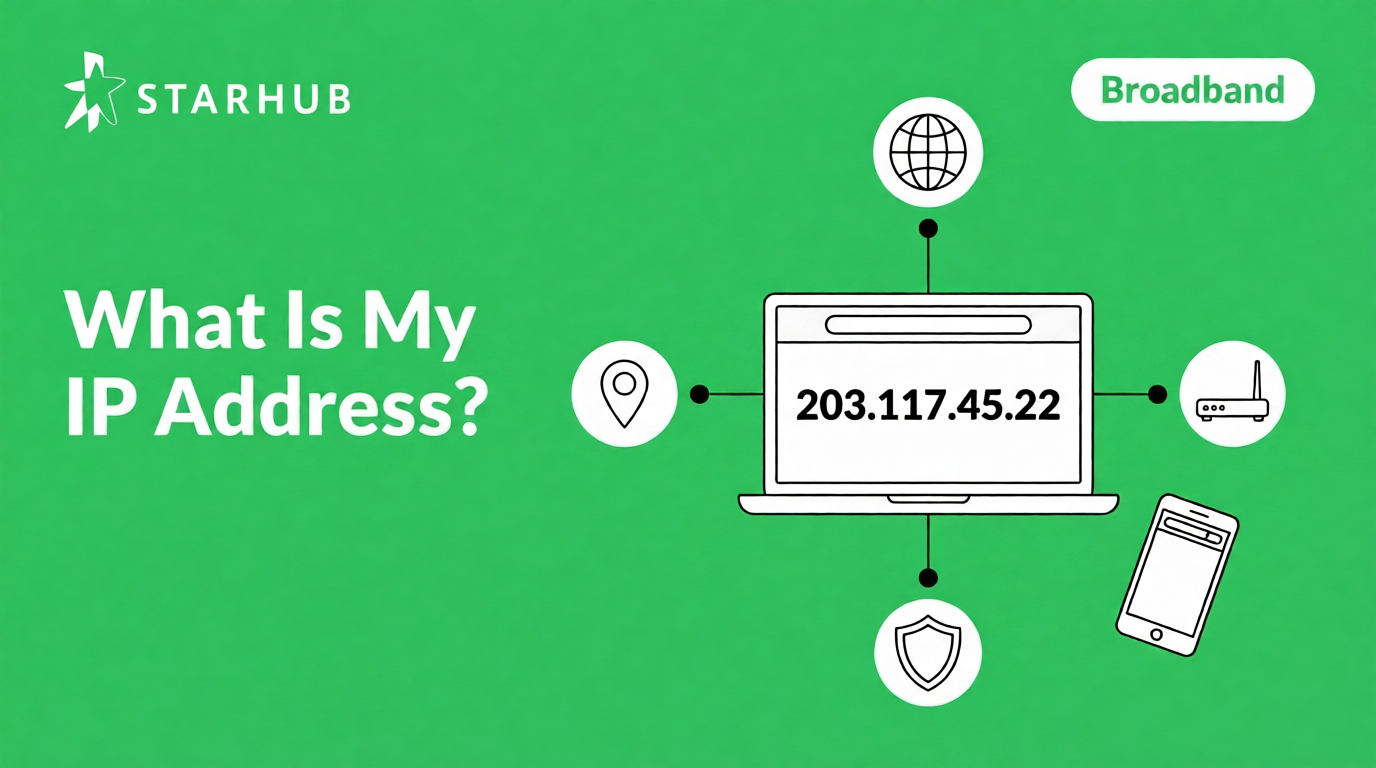
Search "what is my IP" on Google and your public IP appears instantly. This guide covers how to find it on any device, what it reveals about you, and how your broadband connection fits into the picture.
In This Guide
- How to find your IP address?
- How to check your IP on Windows, Mac, iPhone, and Android?
- What is an IP address and how does it work?
- Public IP vs private IP: what is the difference?
- What does your IP address really reveal?
- IPv4 vs IPv6: which one do you have?
- How to change your IP address?
- Does your broadband plan affect your IP?
- FAQs
Search "what is my IP" on Google. Your public IP appears instantly at the top.
For your private IP, check your device settings, steps for every platform are below. This guide also covers what an IP address does, what it reveals, and how your broadband connection fits into the picture.
How do I find my IP address?
Google usually shows your IP address directly at the top of the results. If you only see links instead of your IP, click the first result - sites like whatismyip.com show your IP the moment the page loads.
Here is what you will see when you search on Google:
whatismyipaddress.com
Google shows your public IP address directly in the results, no clicking required. The number shown (203.117.45.22) is for illustration only.
💡 Need your private IP instead? Google only shows your public IP. For the address your router assigns to a specific device, use your device settings, steps are in the next section.
How do I check my IP address on my device?
These steps show your private IP, the address your router assigns to that specific device. Pick your platform below.
Windows 10 and 11
Mac (macOS)
iPhone (iOS)
Android
⚠️ Samsung users:
Try Settings > Connections > Wi-Fi > tap your network > View More. Or search "IP address" in the Settings search bar.
What is an IP address?
IP stands for Internet Protocol. An IP address is the unique number assigned to your internet connection so data knows where to go, like a postal address, but for your device on the internet. Your ISP (Internet Service Provider), such as StarHub, assigns it to you automatically when you connect.
Every time you load a page or stream a video, 3 things happen in sequence:
1. Request
Your device sends a request to a website's server (like when you click on a link), with your IP attached as the return address.
2. Response
The server sends the page data (the text, images, or video elements) back to your IP address.
3. Delivery
Your router uses your device's private IP to send the data to the right device—your laptop, not your spouse's phone.
💡 Your IP address is tied to your connection, not to you personally. Restart your router and your ISP often assigns you a new one.
What is the difference between
a public and private IP?
You have 2 IP addresses at any time. Your public IP faces the internet. Your private IP lives inside your home network. They do completely different jobs.
What does my IP address really reveal?
Less than most people expect. Your IP shows your approximate location and ISP, nothing personal. Here is exactly what is and is not visible.
✅ What it reveals
Your country and region
Used by streaming services to serve the right content library.
Your ISP name
Websites see your provider, not your account or personal details.
Your connection type
Home broadband, mobile data, or VPN, sites often detect this.
❌ What it does not show
Your name or NRIC
Only your ISP can link an IP to an account, and only through a legal process.
Your exact address
City-level accuracy is 50 to 75%. Street or unit number, never.
Access to your device
Knowing your IP does not open any door. Your router's firewall blocks that.
💡 If your IP location looks wrong, the geolocation database is probably outdated. ISPs reassign IP ranges regularly and those databases are slow to catch up.
What is the difference between
IPv4 and IPv6?
2 formats, same purpose. IPv4 is the original, 4 number groups separated by dots. IPv6 is the newer replacement, with a longer address using colons. Most connections today run both at the same time.
💡 Which one do you have?
Probably both. Most Singapore home broadband connections run IPv4 and IPv6 simultaneously. IPv6 is not more private than IPv4, it is simply a newer addressing system.
How do I change my IP address?
Most home connections use a dynamic IP, your ISP changes it periodically anyway. If you want to change it on purpose, you have three options.
🔌 Restart your router
Switch off, wait 60 seconds, switch back on. Your ISP sometimes assigns a new IP when the connection re-establishes, not guaranteed, but it is the easiest first step.
🛡️ Use a VPN
Routes your traffic through a server elsewhere, so websites see that server's IP instead of yours. Legal in Singapore, widely used for privacy and accessing region-locked content.
📋 Request a static IP from your ISP
A fixed IP that never changes, useful for hosting a server, running security cameras, or remote office access. Available as an add-on on business broadband plans. [VERIFY: confirm availability on StarHub residential plans before publishing]
💡 Changing your IP address is legal in Singapore. What matters is what you do with it, not the act of changing it.
Frequently Asked Questions
Search "what is my IP" on Google. Your public IP appears in a highlighted box at the top of the results, before any links.
Generally yes. Your IP reveals your approximate location and ISP, it does not give anyone access to your device or personal data. The main risk is on public Wi-Fi, where your traffic is less protected. A VPN helps there.
Geolocation databases map IP ranges to locations, but they update slowly. When ISPs reassign IP blocks, the database takes time to catch up, so the city shown is often a nearby exchange rather than your actual area. Country-level is nearly always correct.
Yes. Wi-Fi and mobile data are separate networks with separate IPs. Your home broadband gives you one public IP; your mobile carrier gives you a different one. Websites you visit will see whichever is active.
A dynamic IP changes over time, your ISP reassigns it periodically. A static IP is fixed and never changes, which is useful for hosting servers or remote access. Static IPs are typically an add-on on business broadband plans.
Not directly, speed and IP are separate. A faster, more stable plan means fewer connection drops and therefore fewer IP reassignments. For households with many connected devices, stability matters more than raw speed.
Get the Most from Your Fibre Connection
5Gbps Fibre Broadband - $29.55/month
TP-Link HB710 WiFi 7 router (Tri-band BE18000), ultra seamless connection for 2-4 users
10Gbps UltraSpeed Broadband - $38.90/month
TP-Link HB710 WiFi 7 router (Tri-band BE18000), smooth 4K streaming for 4+ users and devices
Disclaimer:
This content is provided for general information and convenience. While we take care in preparing our articles, readers should refer to official sources or professional advice for specific, up-to-date details.
Related Articles
ONT vs ONR: What's the Difference?

What Is 5Gbps Broadband and How Fast Is It?
10Gbps Broadband: Speed, Setup and XGS-PON Guide
