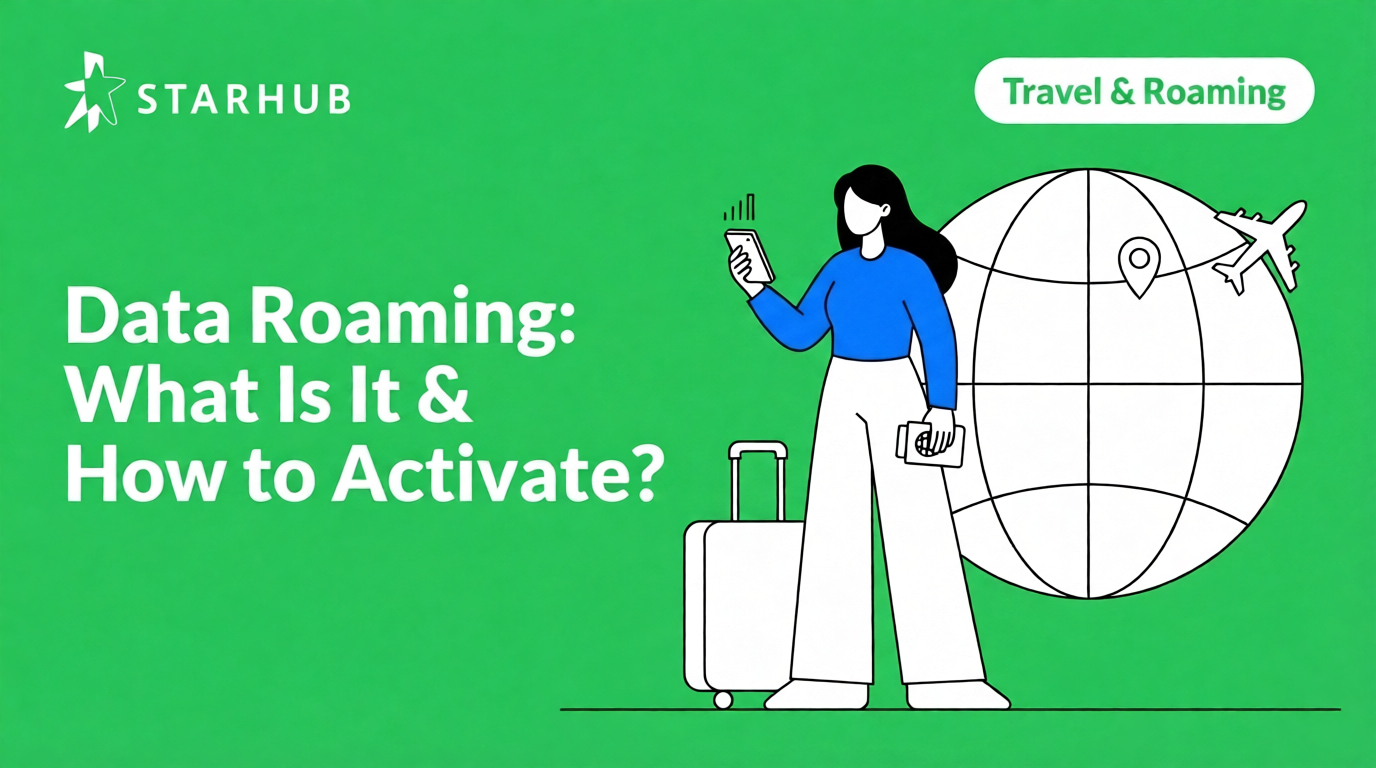
Travel & Roaming
08 Apr 2026
Data Roaming Guide: What Is It & How to Activate?
Your complete guide to staying connected overseas with StarHub's Unlimited+ Plans
Read more
Your phone burns roaming data before you open a single app. These 10 settings stop that: Low Data Mode, WhatsApp auto-downloads, cloud backups, and more.

| 10 settings to maximise your data efficiency | $0 unexpected roaming charges on Unlimited+ | 3 affordable roaming add-ons for extra data |
In This Guide
Roaming doesn’t have to mean bill shock or lost connectivity. This guide walks you through the key moments of your trip from preparation to daily use, so you can travel with confidence and stay in control of your data every step of the way.
Your roaming journey, covered
Set these up on your home WiFi before you head to the airport. It takes less than five minutes and will prevent unexpected roaming bills.
It prevents apps from performing background tasks and pauses non-essential updates. This ensures your data is strictly reserved for your immediate needs, such as navigation or accessing travel documents.
If your hotel WiFi signal is weak, your phone will automatically switch to roaming data without asking. Turn this off so you only use data when you choose to.
By resetting your stats on your departure day, you can see exactly how much you've used during your holiday. It’s the easiest way to avoid hitting your limit before the trip ends.
High-resolution photos are large files that can quickly consume hundreds of megabytes. Adjusting your settings to sync only over WiFi ensures your memories are backed up securely overnight at your hotel rather than over expensive roaming networks.
Group chats often receive high volumes of photos and videos. Setting media to "WiFi Only" allows you to receive and read urgent text messages immediately while deferring large media downloads until you have a WiFi connection.
A single background app update can be 200MB+. Make sure your phone waits for hotel WiFi before updating apps so you don't waste data on software you aren't even using.
"Push" settings keep your phone constantly connected to mail servers, which increases data and battery consumption. Switching to "Fetch" (e.g., every 30 minutes) is much more efficient for travel while still ensuring you receive updates regularly.
TikTok, Instagram, and Facebook refresh feeds and preload videos in the background even when closed. Restricting mobile data for these apps prevents this background consumption, ensuring they only use data when you choose to open them.
Streaming apps default to the best quality your connection allows. Manually setting Netflix, YouTube, and Spotify to "Low" ensures a quick video doesn't eat through your entire day's allowance.
Google Maps uses a lot of data to load tiles as you move. By downloading your destination map at home, GPS navigation will work perfectly even if you turn your data off completely.
The moment you turn off Airplane Mode, your phone automatically connects to the strongest network in StarHub's partner area. On 5G Unlimited+ Plans, roaming is built-in, no activation, no travel eSIMs and no hidden fees.
UNINTERRUPTED CONNECTIVITY
Stay connected the moment you land. StarHub links you to local networks without manual activation or swapping SIM cards.
Calls and data are already paid for. If your data runs out, it simply pauses—zero bill shock.
Unlimited+ Plans cover up to 165 destinations across SEA, APAC, and Global tiers. Check the list before you fly to ensure you're covered.
Expiry date first
Whichever expires sooner is used first. Add-ons purchased ahead of a trip are used before your monthly plan data if their expiry date is earlier.
Built-in before add-on
When expiry dates are the same, built-in plan data is deducted first. Add-on data is held in reserve until your built-in allowance is gone.
Most specific region first
Data is drawn from the pool most localised to you: SEA first, then APAC, then Global. This leaves your Global pool available for trips further afield.
💡 Example: Thailand then Japan
On an Unlimited+ Plus Plan (10GB APAC / 5GB Global) in Thailand, your SEA data is used first, followed by APAC. When you fly to Japan, your APAC pool continues. Your 5GB Global pool stays untouched and ready for a future trip to Europe or the US.
✓ Your data simply pauses when it runs out
Once your allowance is used, data stops. There are no per-MB charges and no overages. You will not come home to an unexpected bill.
✓ Calls and SMS continue even after data runs out
Roaming calls and SMS are unlimited on all Unlimited+ Plans across 165 destinations. Running out of data does not affect your ability to call or receive calls. Your Singapore number stays reachable throughout your trip.
✓ Top up in seconds from anywhere overseas
You will receive SMS alerts when your data is running low. If you need more data before your plan renews for the month, open the StarHub app, buy an add-on pack, and your data resumes.
SEA add-on: $5 for 5GB. APAC add-on: $10 for 10GB across 20 destinations. Global add-on: $15 for 15GB across 165 destinations.
💡 What this means in practice
You only use data you have already paid for. StarHub cannot charge you for unexpected roaming usage. If your data runs out, buy a top-up and you are back online.
No. Low Data Mode restricts background data processes only. Calls and SMS work normally regardless of whether Low Data Mode is switched on.
Your data pauses immediately. There are no per-megabyte charges after your allowance is used. Calls and SMS continue normally. Roaming calls and SMS are unlimited on all Unlimited+ Plans regardless of your data balance. To resume data, open the StarHub app, buy an add-on pack, and your data resumes.
No. Checking your balance in the StarHub app does not consume your roaming allowance.
No. Set your network selection to Automatic and your phone connects to the strongest available StarHub partner network on its own. No manual carrier selection needed.
Yes. Open the StarHub app from anywhere overseas to purchase additional roaming data. Your service resumes as soon as the purchase is confirmed.
Staying connected overseas no longer requires jumping through hoops. By understanding what data roaming is and how to manage it, you can move across borders with the confidence that your maps, banking apps, and messages will work the moment you land.
Unlimited+ Core: $38/mth
Unlimited local data, 5GB SEA + 3GB Global roaming data, unlimited roaming calls & SMS.
Unlimited+ Plus: $48/mth
Unlimited local data, 10GB APAC + 5GB Global roaming data, unlimited roaming calls & SMS.
Unlimited+ Max: $78/mth
Unlimited local data, 20GB Global roaming data, unlimited roaming calls & SMS across 165+ destinations.
Disclaimer:
This content is provided for general information and convenience. While we take care in preparing our articles, readers should refer to official sources or professional advice for specific, up-to-date details.
Travel & Roaming
08 Apr 2026
Your complete guide to staying connected overseas with StarHub's Unlimited+ Plans
Read more
Mobile Plans
07 Apr 2026
On 5G Unlimited+ Plans, calling overseas is simple whether you're in Singapore or abroad. IDD calls to overseas numbers and roaming calls while travelling are both built into your plan - no prefixes,
Read more![SIM Only Plan Comparison Singapore [2026]](/content/dam/starhub/2026/personal/articles/SIM-Only-Plan-Comparison-Singapore--2026-/compare-sim-only-plans.png)
Mobile Plans
06 Mar 2026
Compare SIM Only Plans, Coverage, Costs and Find the Best One for You
Read more
Our websites uses cookies to improve your online experiences. By continuing your visit, you agree to our use of them. For more information, please read our Data Protection Policy .